WayToIQ

Free AI Tool to Audit Website Accessibility — Save Time & Avoid Legal Risks

Free AI Tool to Audit Website Accessibility — Save Time & Avoid Legal Risks
— scroll down — read more

Free AI Tool to Audit Website Accessibility — Save Time & Avoid Legal Risks

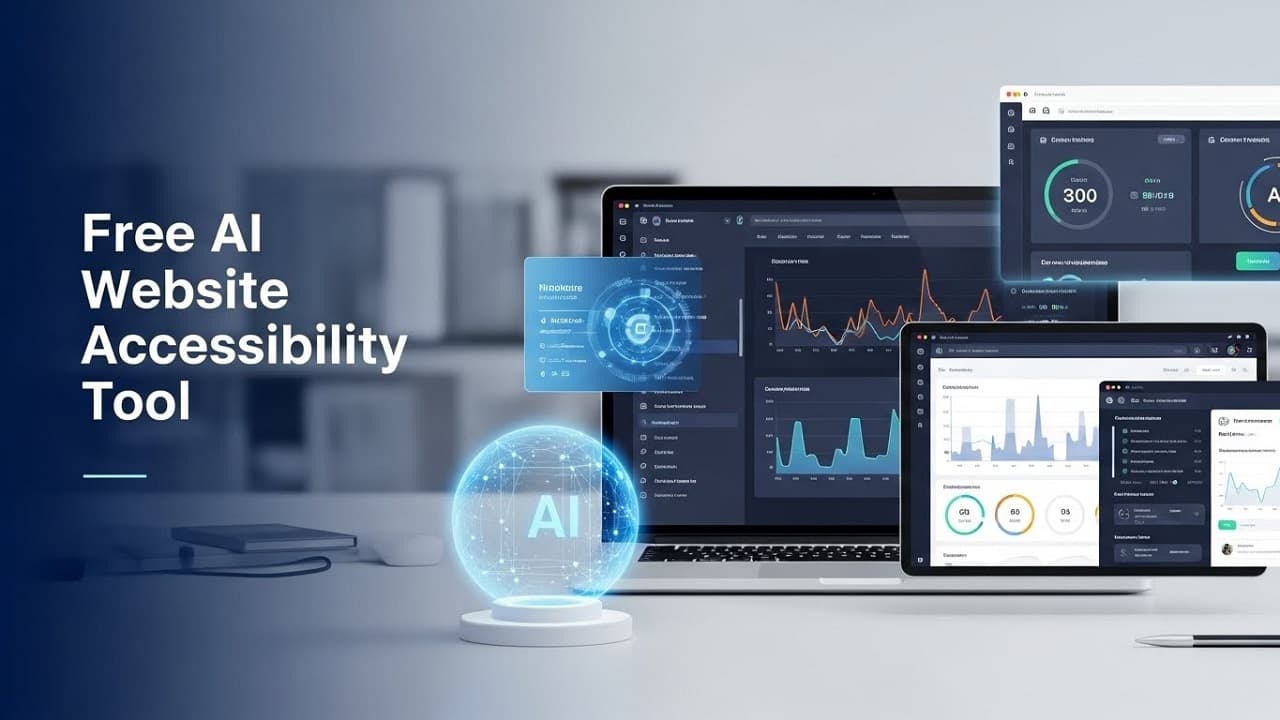
Free AI for auditing website accessibility is rapidly becoming a must-have solution for website owners, bloggers, developers, and digital marketers who want to create inclusive, user-friendly, and search-engine-optimized websites.

Did you know that millions of users abandon websites every day because they are not accessible to people with disabilities? Even worse, inaccessible websites can harm SEO rankings, user experience, and brand trust.

In this in-depth guide, you’ll discover how free AI for auditing website accessibility works, why it matters, the best free AI tools available, step-by-step usage, pros and cons, FAQs, and expert tips to stay compliant without spending a single dollar.

Website Accessibility Explained - What You Need to Know

Accessible websites make it possible for all users to easily navigate, understand, and interact with online content without barriers:

  • Navigate using keyboards or screen readers
  • Read content with sufficient color contrast
  • Understand clear layouts and headings
  • Access images through descriptive alt text

Accessibility is not optional anymore—it’s essential.

Importance of Website Accessibility for All Users

Website accessibility impacts more than just usability.

Key Reasons Accessibility Is Critical

  1. Larger audience reach (over 15% of the global population has a disability)
  2. Better SEO performance (search engines prefer accessible sites)
  3. Improved user experience for all users
  4. Reduced legal and compliance risks
  5. Higher engagement and conversion rates

Ignoring accessibility means losing users, rankings, and credibility.

Understanding Free AI Tools for Auditing Website Accessibility

Free AI for auditing website accessibility refers to artificial intelligence-powered tools that automatically scan websites to identify accessibility issues—without requiring paid subscriptions.

These tools use:

  • Machine learning
  • Pattern recognition
  • Automated testing rules

They analyze your site against accessibility guidelines and provide actionable insights.

How AI Audits Your Website for Accessibility?

AI-driven accessibility audits simulate how real users and assistive technologies interact with your website.

AI Checks Include:

  • Missing or incorrect alt text
  • Poor color contrast
  • Improper heading hierarchy
  • Missing ARIA labels
  • Keyboard navigation issues
  • Form input errors
  • Broken semantic HTML

AI tools scan pages in seconds—something that would take humans hours.

Top Benefits of Free AI in Website Accessibility Audits

Using free AI for auditing website accessibility offers multiple advantages.

Key Benefits:

  1. Zero cost for basic accessibility audits
  2. Fast scanning of multiple pages
  3. Beginner-friendly reports
  4. Early issue detection
  5. SEO and UX improvements

Even small websites can significantly improve accessibility using free AI tools.

Top Free AI Tools for Website Accessibility Audits

1. Google Lighthouse (Accessibility Audit)

  • Built into Chrome DevTools
  • AI-based scoring system
  • Checks accessibility, SEO, and performance

2. WAVE Accessibility Tool (Free Version)

  • Visual error detection
  • Highlights accessibility issues directly on the page
  • Ideal for beginners

3. axe DevTools (Free Tier)

  1. AI-assisted accessibility testing
  2. Identifies WCAG violations
  3. Suitable for developers

4. Accessibility Insights

  • Automated and guided manual tests
  • AI-powered suggestions
  • Browser extension available

5. Site improve Accessibility Checker (Free Extension)

  • Real-time accessibility feedback
  • Easy-to-understand error explanations

Looking for more guides? Check out our related articles here.

How to Audit Your Website Using Free AI: Step-by-Step Guide

  1. Choose a Free AI Accessibility Tool: Select a tool like Google Lighthouse or WAVE based on your skill level.
  2. Enter Your Website URL: Paste your website link into the tool or open it via a browser extension.
  3. Run the Accessibility Scan: Let the AI analyze your site’s structure, content, and design.
  4. Review the Accessibility Report: Focus on [Errors (must fix), Warnings (should fix), Best practices (recommended)]
  5. Fix Issues Gradually: Prioritize critical accessibility problems first.
  6. Re-Test Your Website: Run another AI audit to confirm improvements.

Accessibility Problems AI Tools Can Easily Identify

Free AI accessibility tools commonly identify:

  • Missing image alt attributes
  • Low contrast text and background
  • Skipped heading levels (H1 to H3)
  • Non-descriptive link text
  • Form labels not associated with inputs
  • Buttons without accessible names
  • Inaccessible navigation menus

Fixing these can dramatically improve usability and SEO.

Key Accessibility Standards You Should Know

AI tools usually audit websites against recognized accessibility standards.

Most Important Standards:

  • WCAG 2.1 (Web Content Accessibility Guidelines)
  • POUR Principles
  • Perceivable
  • Operable
  • Robust

While free AI tools don’t guarantee full compliance, they help you get very close.

Pros and Cons of Using Free AI for Website Accessibility Audits

Pros:

  • Free to use
  • Fast and automated
  • Beginner-friendly reports
  • Improves SEO and UX
  • Helps avoid major accessibility mistakes

Cons

  1. Limited deep analysis
  2. Cannot fully replace manual testing
  3. Some false positives
  4. Advanced features often paid

Tip: Combine AI audits with basic manual checks for best results.

Best Practices to Follow After an AI Accessibility Audit

Once you complete an AI audit, follow these best practices:

  • Fix critical errors first
  • Maintain proper heading structure
  • Always use descriptive alt text
  • Test keyboard navigation manually
  • Re-run audits after updates
  • Make accessibility part of your workflow

Accessibility is not a one-time task—it’s an ongoing process.

Top FAQs - Free AI Tools for Website Accessibility Audits

Q1. What is free AI for auditing website accessibility?

Free AI for auditing website accessibility uses artificial intelligence to automatically scan websites for accessibility issues at no cost.

Q2. Are free AI accessibility tools accurate?

They are highly effective for detecting common issues but should be combined with manual testing for full compliance.

Q3. Can AI tools help with WCAG compliance?

Yes, most free AI tools test against WCAG guidelines and highlight violations.

Q4. How often should I run accessibility audits?

You should audit your website after major updates and at least once every few months.

Q5. Can beginners use AI accessibility audit tools?

Yes, many free AI tools are beginner-friendly with easy-to-understand reports.

Q6. Do free AI tools work on all websites?

Most work on standard HTML-based websites, but complex web apps may need advanced testing.

Conclusion - Making Your Website Accessible with Free AI Tools

Free AI for auditing website accessibility is no longer optional—it’s a smart, strategic move for anyone serious about SEO, user experience, and inclusivity.

By using free AI tools, you can:

  • Identify accessibility gaps
  • Improve website usability
  • Boost search engine rankings
  • Reach a wider audience

Top 10 Paying Freelance Skills for 2025 & Beyond


Share this post

Free AI Tool to Audit Website Accessibility — Save Time & Avoid Legal Risks